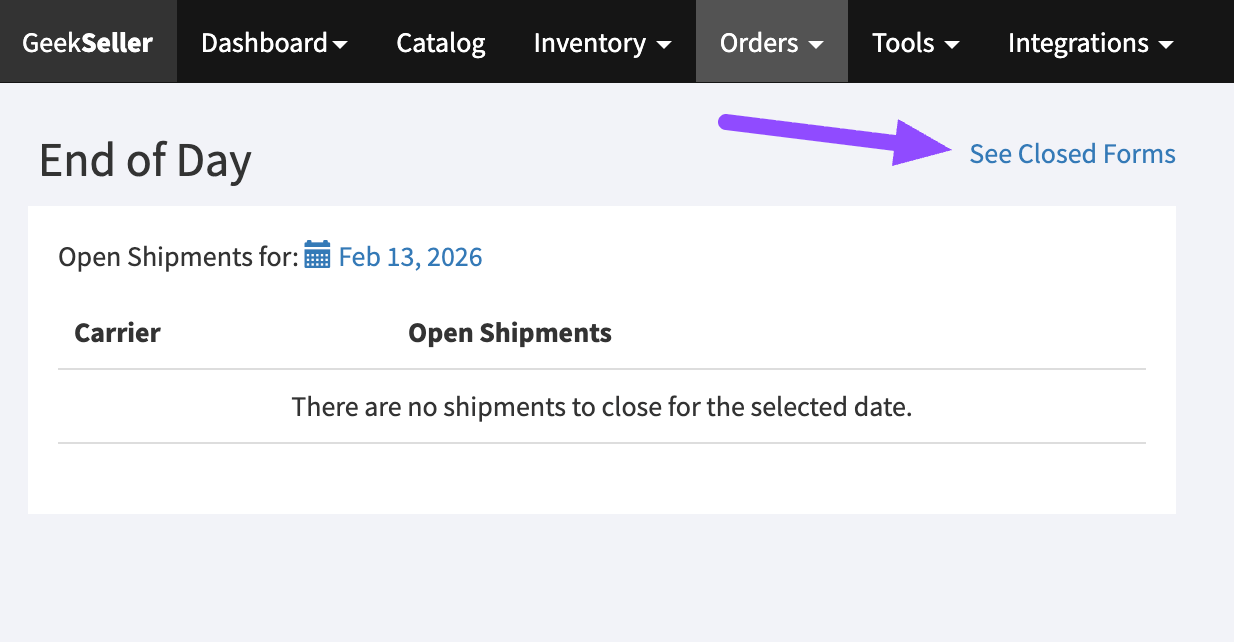
At the moment, this feature is only available for USPS integrated via our EasyPost integration. More carriers are coming soon. Please contact us for details.
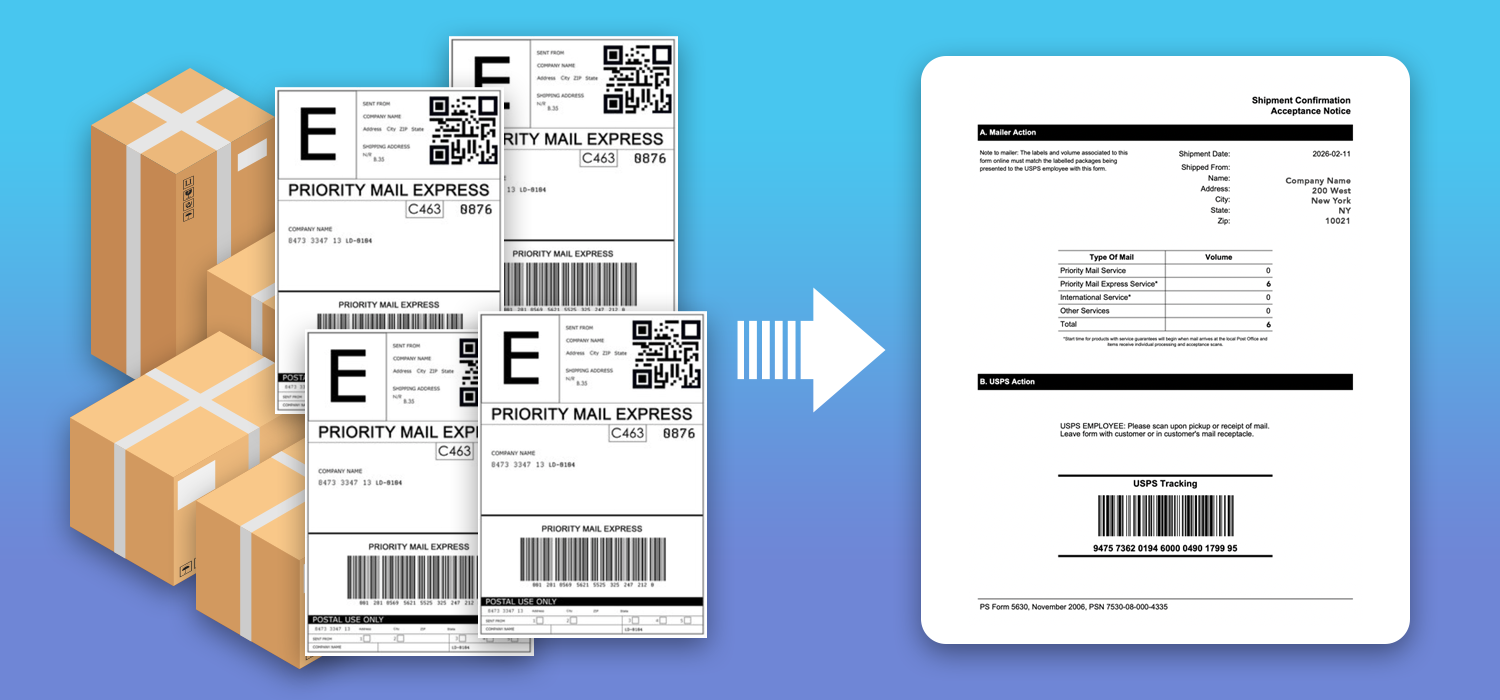
If you connected GeekSeller to EasyPost to generate USPS labels, you can easily create USPS End of Day Forms, also known as PS Form 5630, USPS Manifest, or SCAN Form. This allows you to group multiple USPS shipments into one single barcode. When USPS scans that barcode, all included packages are marked as accepted at once.
- Go to Orders > End of Day.
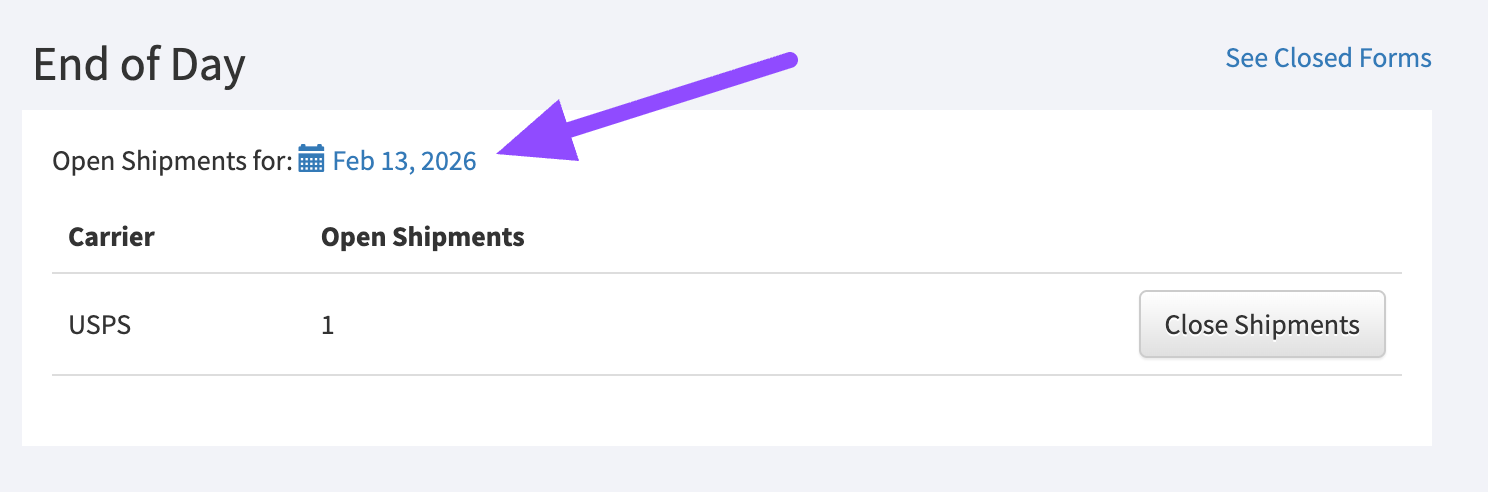
- Select a date. By default, we select today.
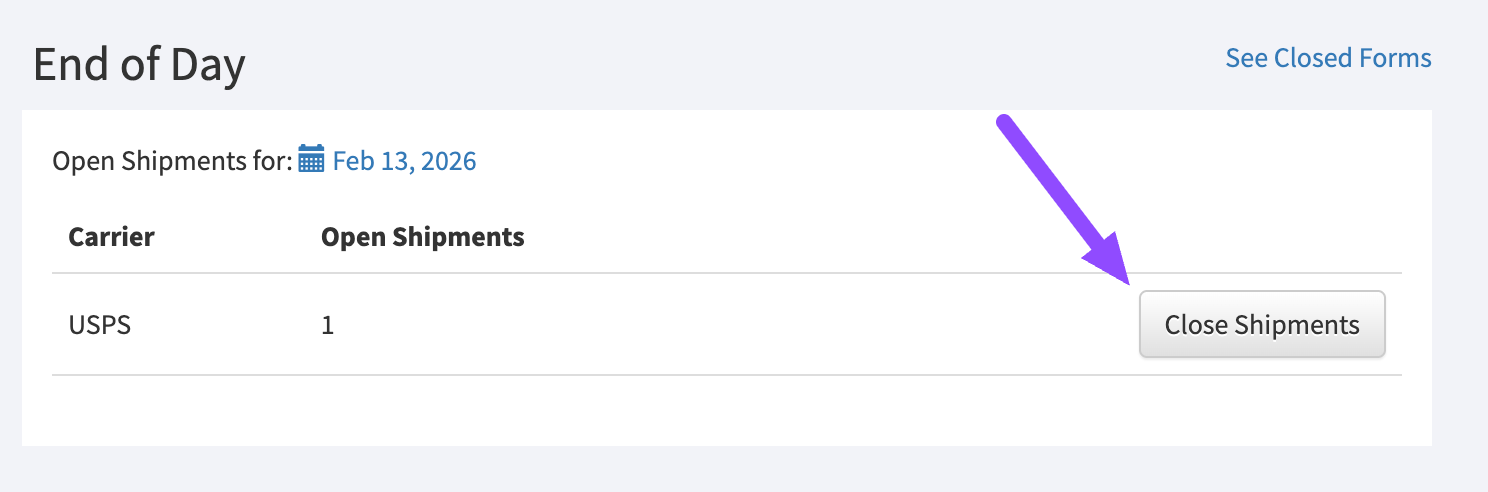
- Click “Close Shipments” of the carrier for which you want to create the End of Day form. Currently, only USPS via EasyPost is available.
- In the popup window, you can review all shipments created that day and remove any you do not want to include.
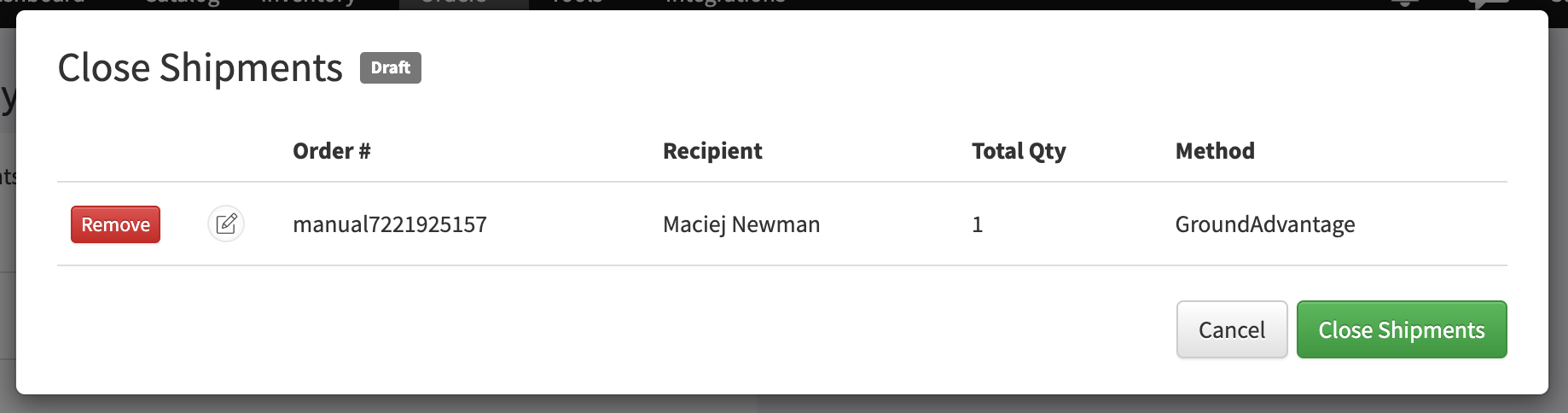
- Click Close Shipments and download the created form.
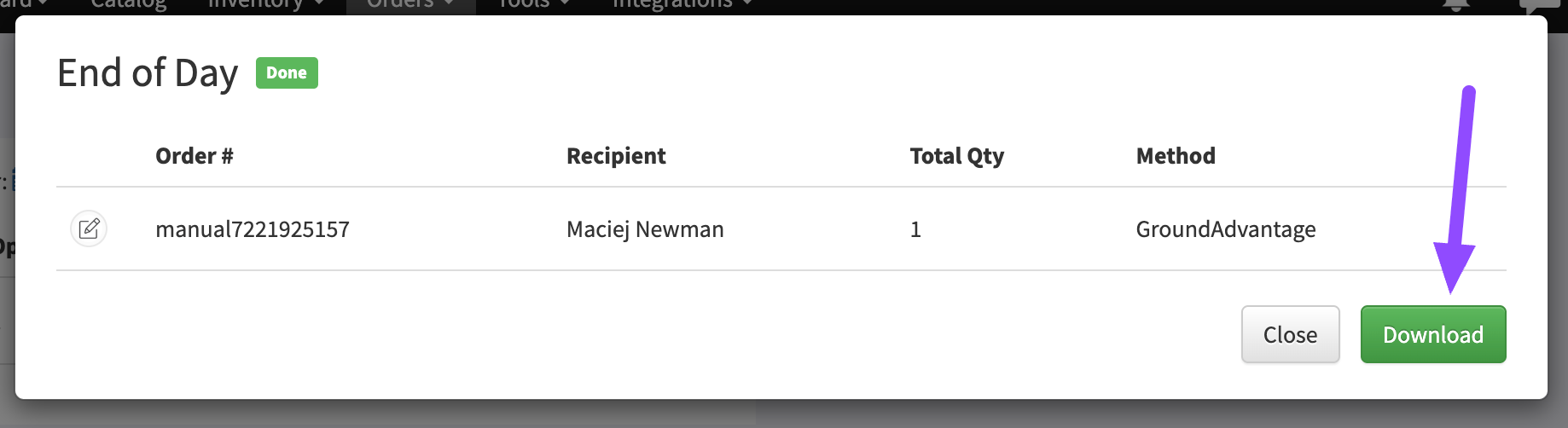
- You can always access the list of previously created forms in the Closed Forms section.