
The Always Ship Individually option ensures that every unit of a product is packed and shipped in its own package.
When this option is enabled, GeekSeller automatically creates one shipping package for each quantity ordered.
How to enable this option
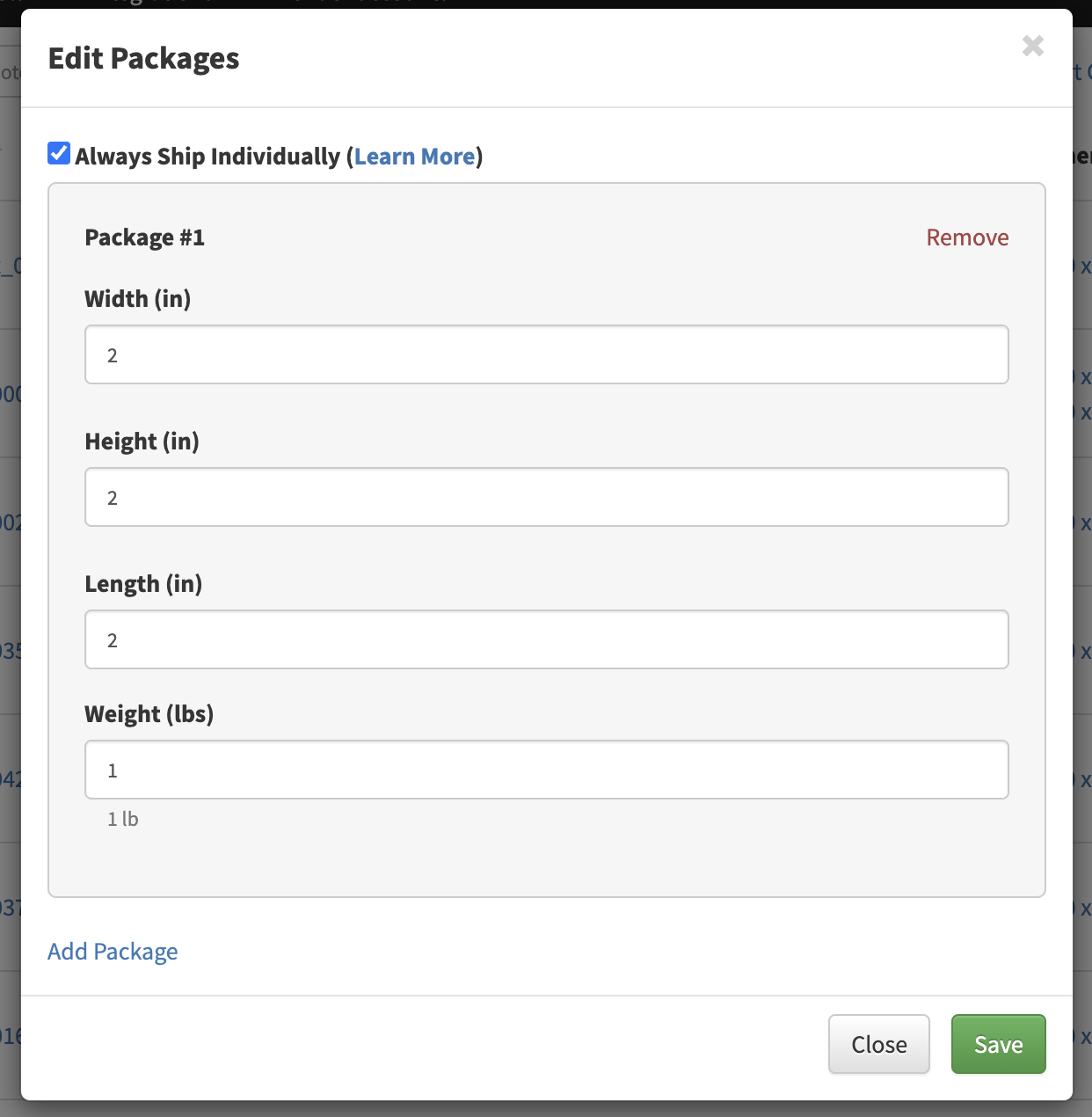
- Go to Inventory.
- Select a product.
- Open the Dimensions section.
- Enter the product’s dimensions and weight.
- Select the shipping box.
- Enable Always Ship Individually.
- Save the product.
Example
Suppose an order contains:
| SKU | Quantity |
|---|---|
| SKU-100 | 2 |
Since Always Ship Individually is enabled for this product, GeekSeller will automatically create:
- Package 1: 1 unit
Dimensions: 2x2x2 in, 1 lb - Package 2: 1 unit
Dimensions: 2x2x2 in, 1 lb
When shipping labels are generated, two carrier labels will be requested, one for each package.
The shipment will have:
- 1 master tracking number
- 2 package (child) tracking numbers
Orders with multiple products
This feature also works when an order contains multiple SKUs.
For example:
| SKU | Quantity | Ship Each Unit Separately |
|---|---|---|
| SKU-100 | 2 | Yes |
| SKU-200 | 3 | No |
| SKU-300 | 1 | Yes |
GeekSeller will automatically:
- Create two separate packages for SKU-100.
- Create one separate package for SKU-300.
- Pack SKU-200 according to your normal packing rules.
Products with Ship Each Unit Separately enabled will always receive their own package, regardless of the other items in the order.
When should I use this feature?
This option is useful for products that:
- Must always ship in their own box.
- Are fragile or oversized.
- Require individual carrier labels.
- Cannot be combined with other products in the same package.