
DRAFT – This is an unpublished KB article for a coming-soon feature.
GeekSeller supports multiple currencies. You can select your main currency and add additional currencies that you use across your marketplaces and sales channels.
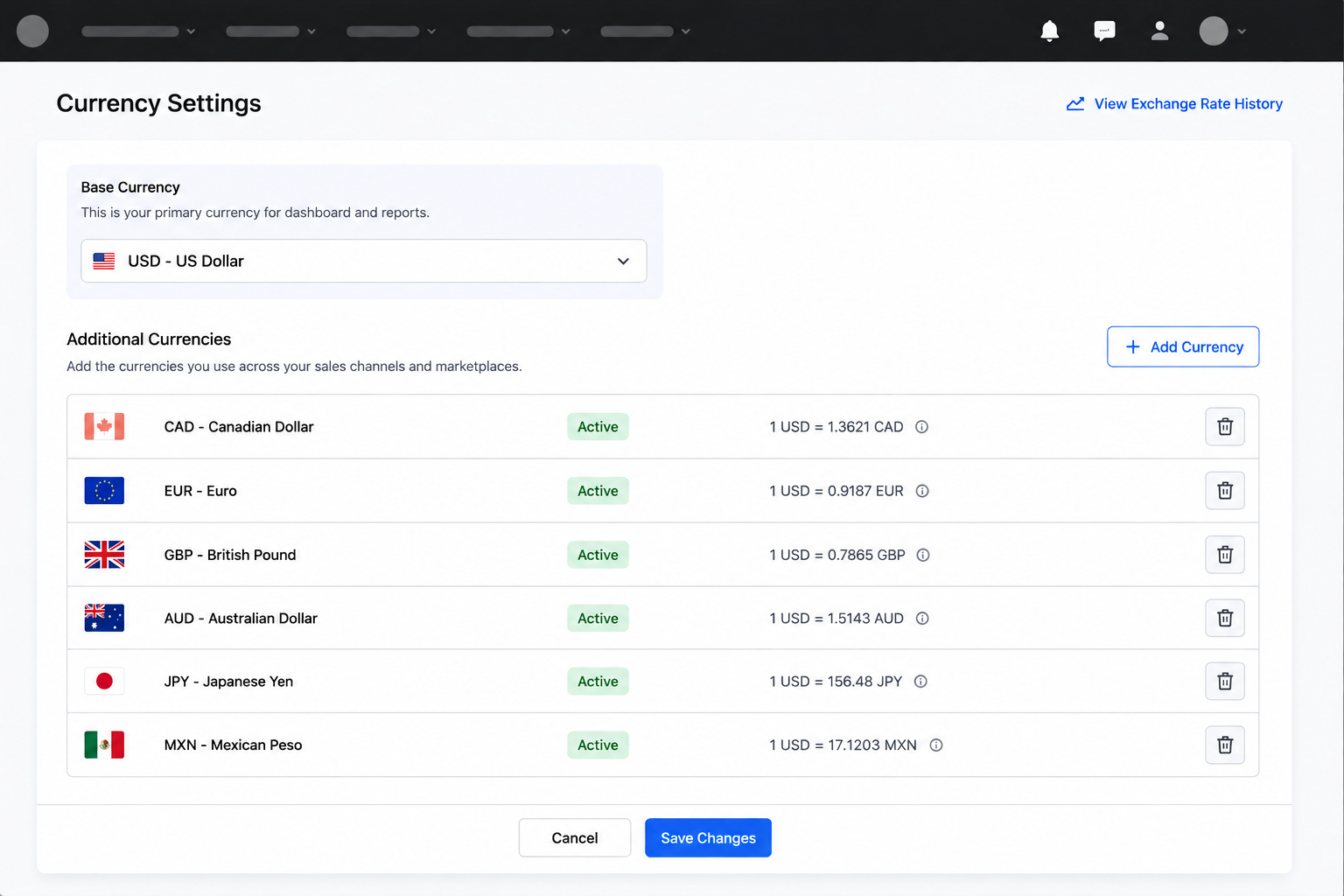
How it works
- Exchange rates are updated daily using data from our external exchange rate sources (ExchangeRatesAPI and Federal Reserve). At the end of each day, GeekSeller retrieves the latest daily exchange rates and uses them for the following day. Until the new daily rates are available, GeekSeller continues to use the previous available day’s rates.
- For now, GeekSeller does not convert all data into your main currency. Orders are stored using the original currency provided by the marketplace or sales channel. This means that if an order comes from a marketplace in CAD, the order data remains in CAD rather than being converted and stored in your main currency.
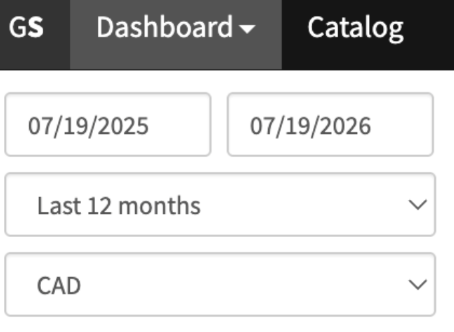
- When you view data in the GeekSeller Dashboard, currency amounts are recalculated on the fly using the applicable exchange rate. This allows dashboard values to be displayed in your selected main currency without changing the original order data.
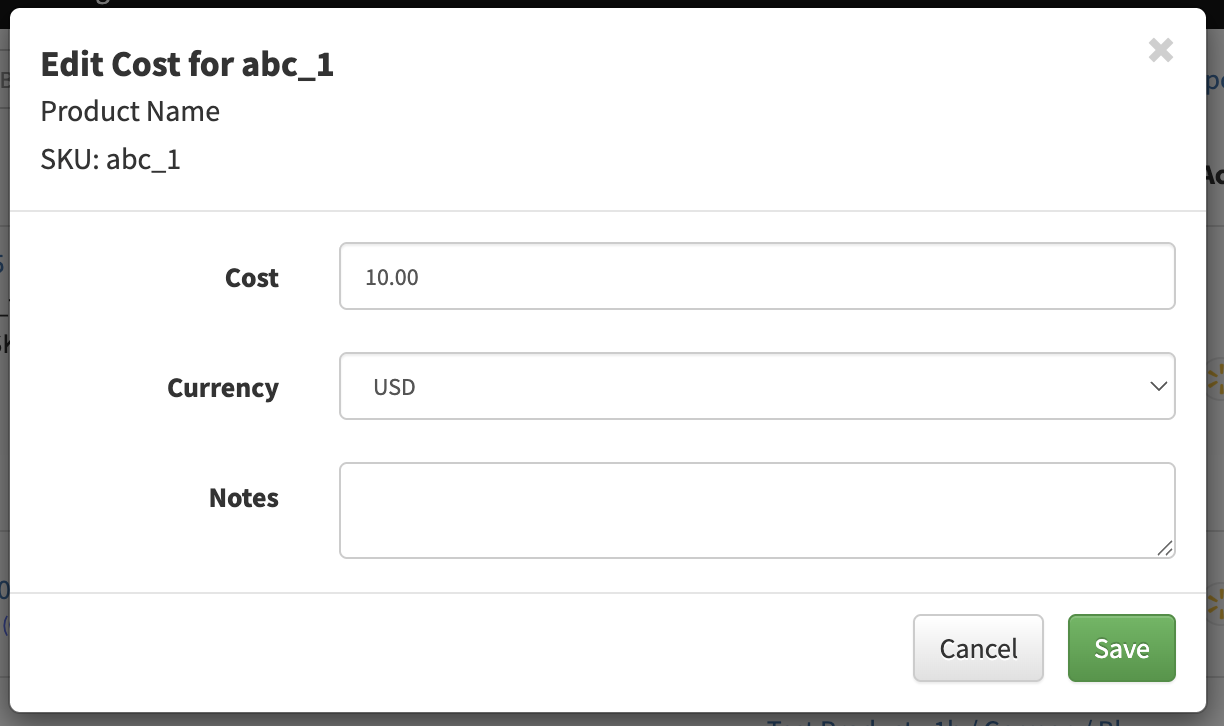
- When adding or editing a product cost, you can specify the currency in which the cost is provided.
- Exported files always contain the original currency and amounts provided by the marketplace. In addition, the export includes the applicable exchange rate for that currency and the day the order was placed. This allows you to convert the original amount to another currency when needed.
- For example, if a Walmart US order contains a total in USD, the exported file will contain the original USD order amount as well as the applicable CAD exchange rate for that day. You can use the exchange rate to convert the amount to CAD or back to your main currency.
 To convert an amount using the exchange rate:
Converted amount = Original amount × Exchange rate
For example, if the original amount is 100 USD and the USD to CAD exchange rate is 1.39:
100 USD × 1.39 = 139.49 CAD
- For example, if a Walmart US order contains a total in USD, the exported file will contain the original USD order amount as well as the applicable CAD exchange rate for that day. You can use the exchange rate to convert the amount to CAD or back to your main currency.
Additional and more advanced multi-currency features are planned for future versions of GeekSeller.
Known Limitations
- Currency conversion is not currently reflected in the Orders section. Orders and order tables always display the original currency and amounts received from the marketplace or sales channel. Converted values are currently available in areas such as the Dashboard, where currency conversion is calculated dynamically.
- Exported files do not contain pre-calculated converted amounts. They include the original amount and currency from the marketplace, along with the applicable exchange rate for that currency and date. If you need the amount converted to another currency, you will need to calculate it using the provided exchange rate.